HIGHLIGHT REEL CHROME EXTENSION FOR GOOGLE MEET AND ZOOM

Go from call to clip in minutes.

Get a ready-to-clip transcript right after your call ends with the Clipses Chrome extension. No downloading files, no re-uploading, no waiting around for a transcript.

Three Ways to Add Clipses to a Call
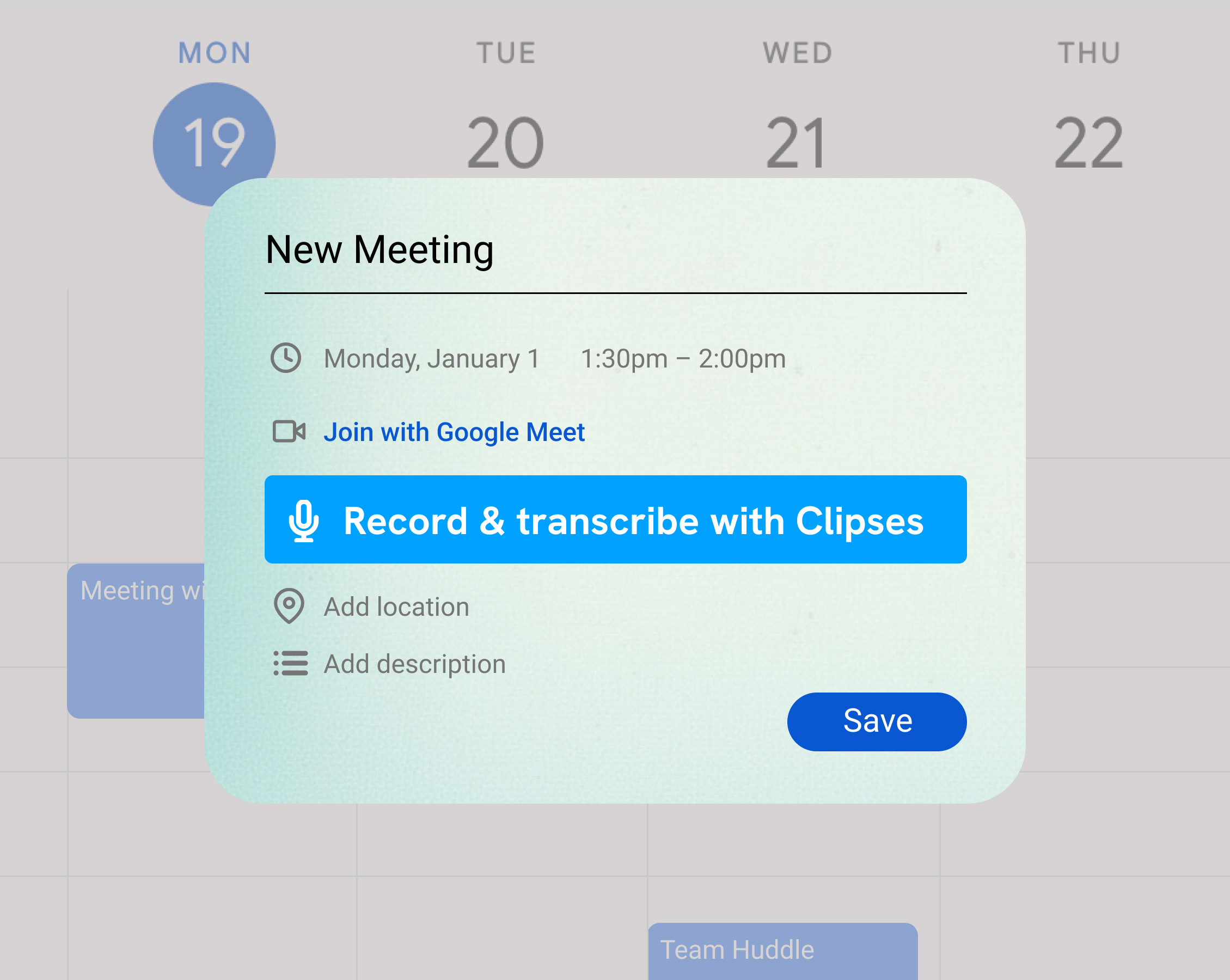
A Google Calendar event with a Record & transcribe with Clipses button just below the Join with Google Meet link.

Book it from Google Calendar

Open any event with a Google Meet link and click Add Clipses.ai to capture highlights. Clipses joins when the call starts, and the booking moves with the event if the meeting moves.
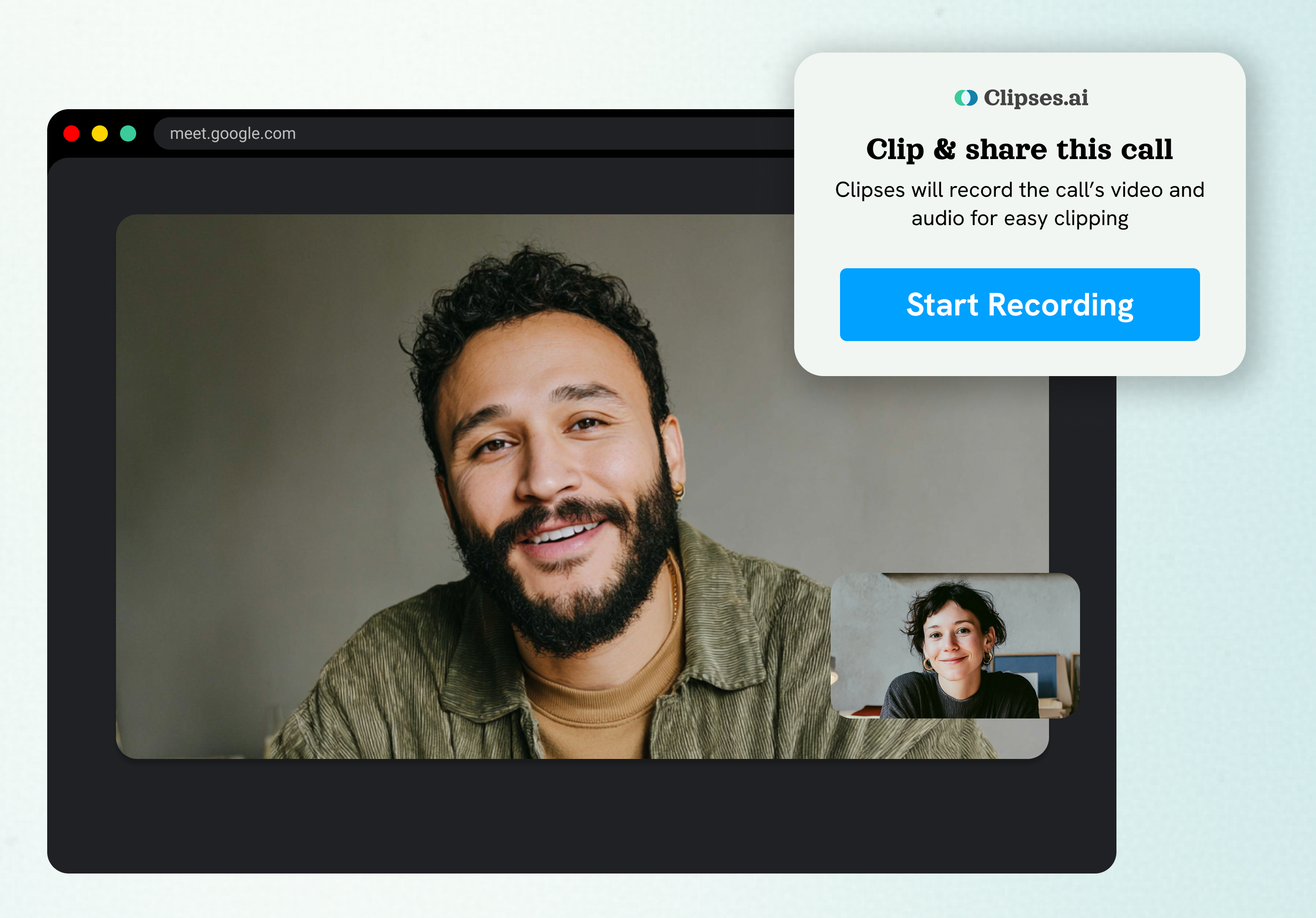
A Google Meet call in Chrome with the Clipses card open, offering to clip and share the call with a Start Recording button.

Start it from the call

Already in a Google Meet call? Click Start recording on the Clipses card. Missed it? Add Clipses from the toolbar icon instead.
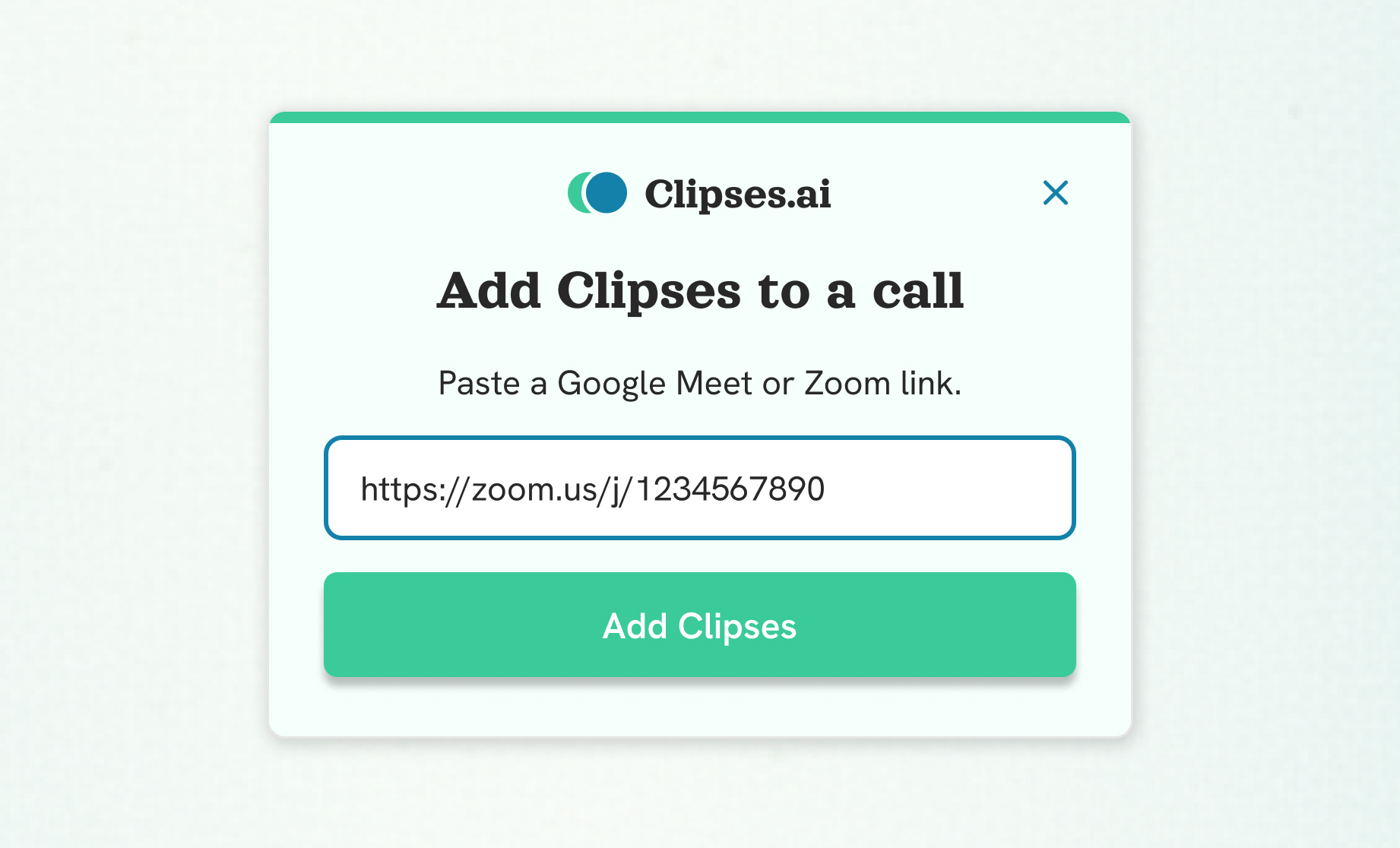
The Clipses extension pop-up with a Zoom meeting link pasted into the field and an Add Clipses button below it.

Paste a Zoom link

On Zoom, paste the meeting link into the extension and Clipses joins the call right away.

From Call to Clip
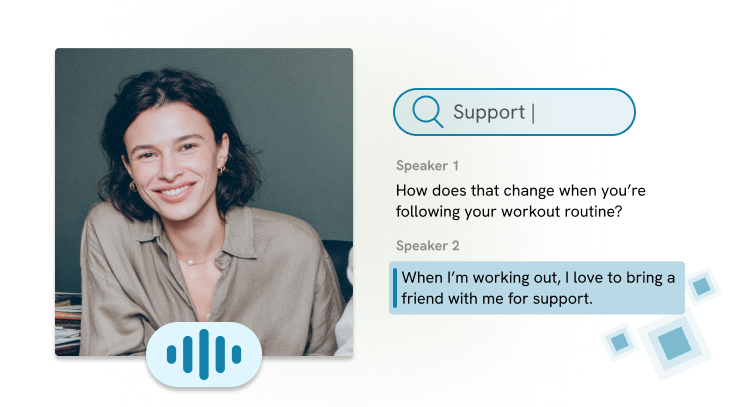
A research participant on video next to a transcript search for "support" that highlights her answer about bringing a friend to workouts.

Ready to clip when the call ends

The recording and transcript land in a new project named after the meeting. The first time you open it, keep it where it is or move it into an existing project.
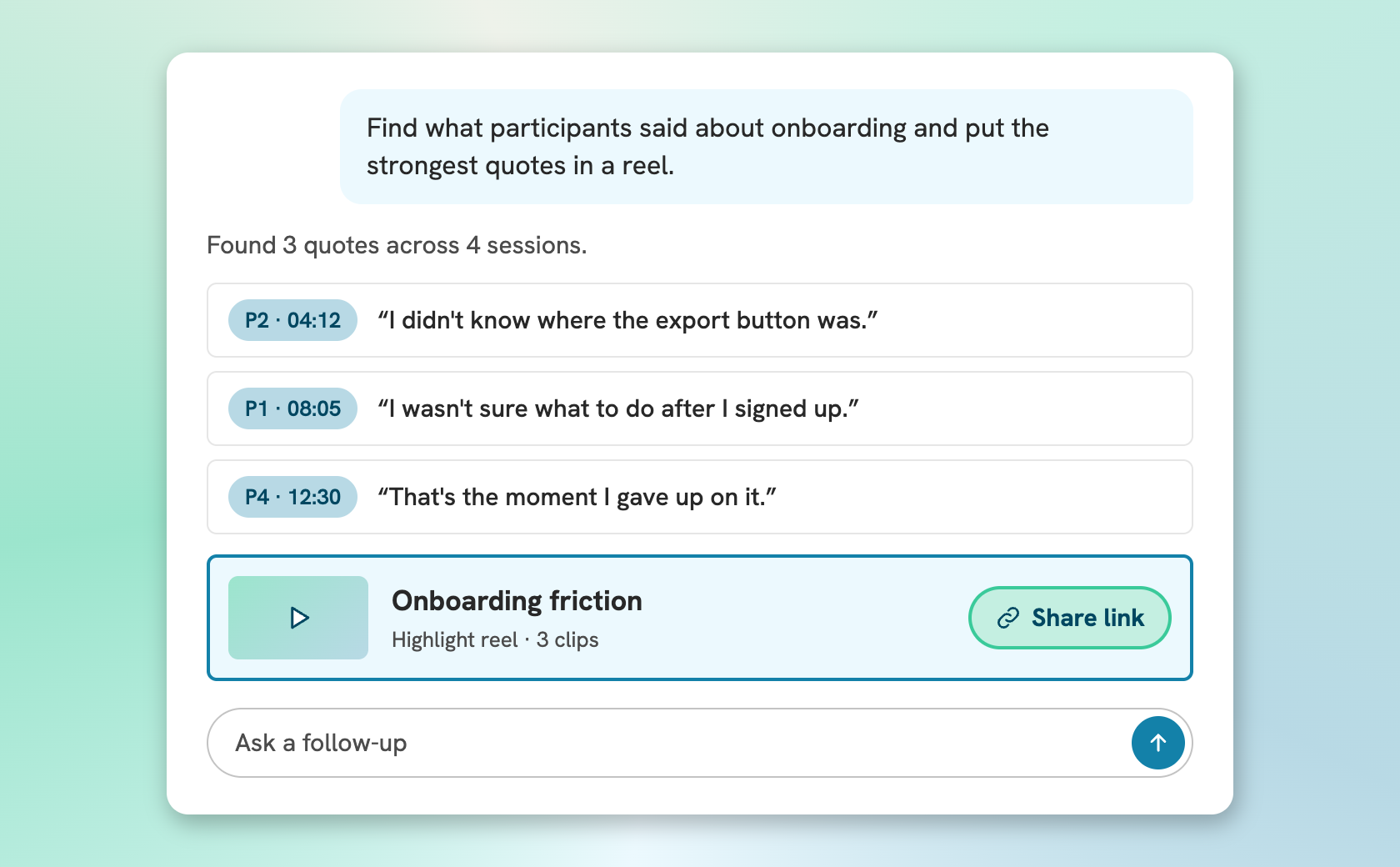
A chat where someone asks for onboarding quotes and gets back three timestamped quotes and a highlight reel with a share link.

Find the moment, not the timestamp

Search the transcript by topic or meaning, clip the moments that matter and pull quotes from different sessions into one highlight reel.
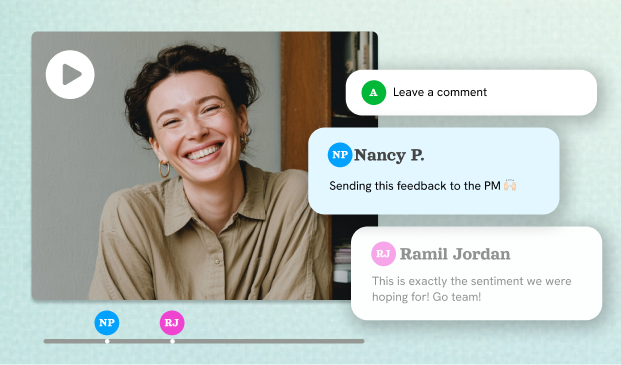
A highlight reel playing with teammates' comments pinned to moments on its timeline.

Share a reel anyone can watch

Send one link that plays in any browser, with no login. Stakeholders can comment on the exact moment, so the feedback stays attached to the evidence.

Built for Research Interviews
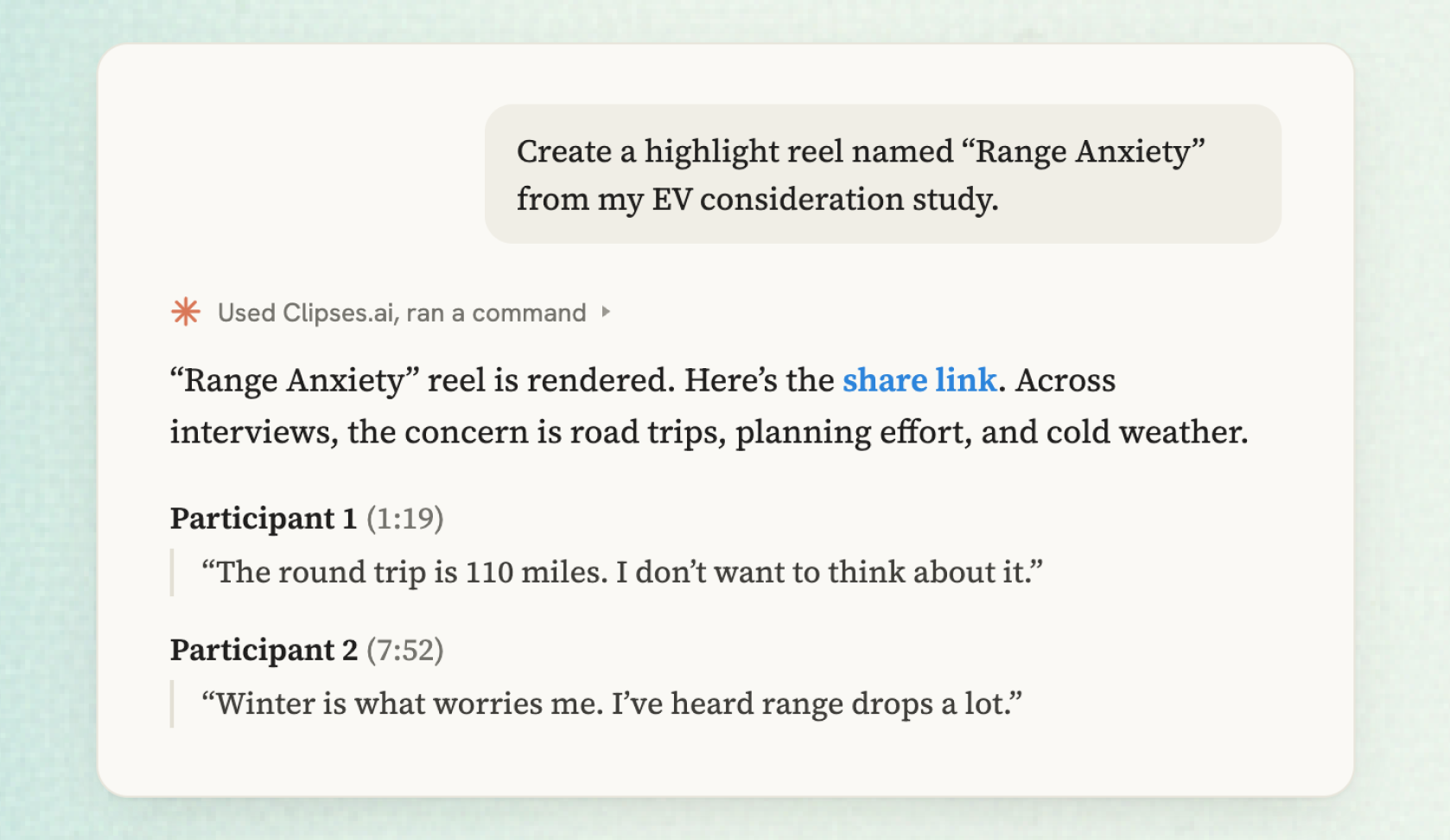
A Claude chat that renders a Range Anxiety highlight reel from an EV study and returns a share link with two timestamped participant quotes.

Ask Claude or ChatGPT for the reel

Connect Clipses to Claude or ChatGPT and ask for every quote on a theme across your recorded calls. Your assistant builds the reel and hands back the share link.

Questions About the Chrome Extension

Google Meet and Zoom. On Google Meet, book Clipses from Google Calendar or start it from the call. On Zoom, paste the meeting link into the extension. Microsoft Teams isn't supported yet.
Yes. Clipses joins as a visible participant named Clipses.ai Notetaker, so everyone on the call can see it. If the meeting has a waiting room, the host admits it like any other guest.
Recording works on every Clipses plan, including Free. Recordings count toward your plan's storage, which is 2 hours on Free, and each call gets its own project. Paid plans start at $49 per month when your team needs more capacity.
Google Chrome 116 or newer on a computer, and a Clipses account. The Google Calendar button appears on events with a Google Meet link when Google Calendar is set to English.
Each recording lands in a new project named after the meeting, with a transcript created automatically. The first time you open it, you can name the project or move the recording into an existing one.
Up to five recordings can be in progress at once, with one Clipses per call. Each recording can be up to 2GB.
Notetakers are built to summarize meetings. Clipses is built for research interviews, where the evidence is the point. Instead of a summary, you get the recording and a synced transcript you can clip, so the customer's actual words and video stay attached to every finding.
The extension shows Didn't record with a short reason, such as nobody admitting Clipses from the waiting room. A failed recording doesn't block the call, so you can add Clipses again from the card, from Google Calendar or by pasting the link.

Record your next interview straight into Clipses

Free on every Clipses plan. Add the extension, sign in, and Clipses is ready for your next interview.

Add to Chrome