FOR RESEARCH OPS AND STAFF RESEARCHERS
Your notetaker writes summaries. Clipses brings back the customer.
Clipses records your Zoom and Google Meet research interviews and turns them into timestamped clips and highlight reels. Researchers keep the full record. PMs, designers, and PMMs pull the moments they need straight from Claude.
Where Customer Evidence Gets Lost Today
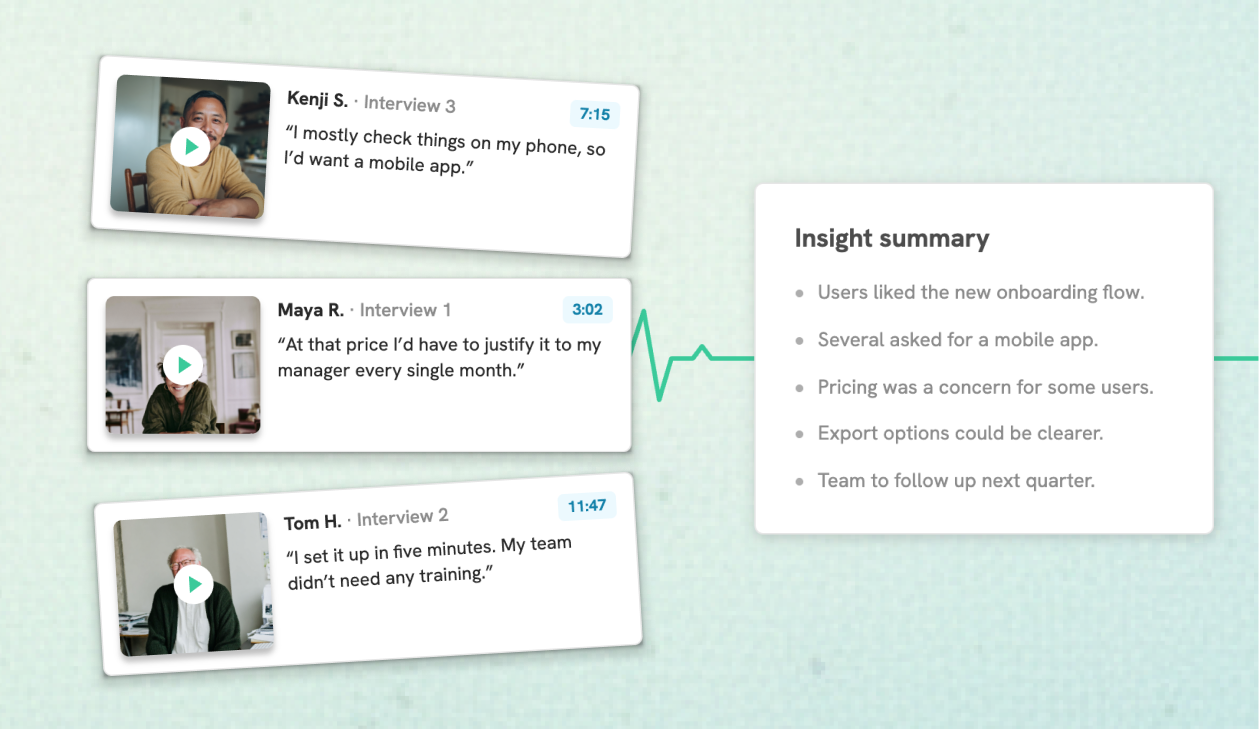
AI summaries strip out the customer
Your notetaker turns a 45-minute interview into five tidy bullets. The hesitation, the contradiction, the exact words a customer used all disappear, and so does the reason anyone believed the finding.
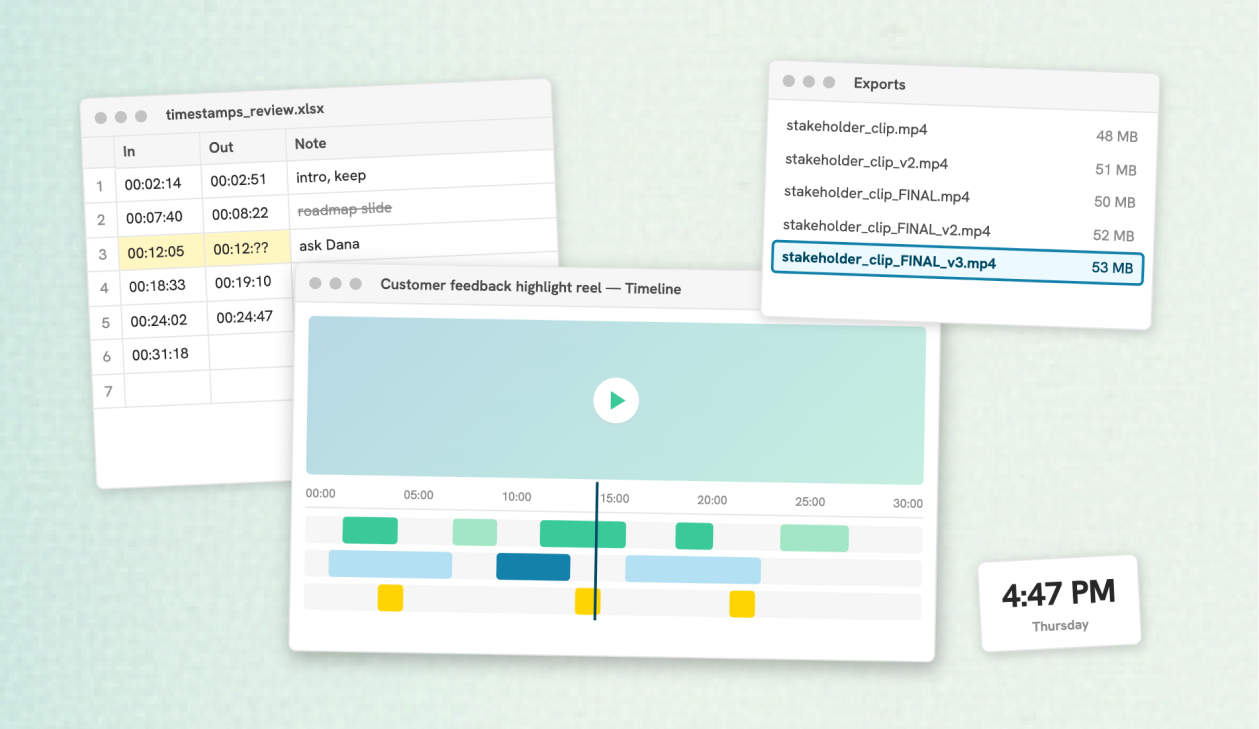
Hand-cut clips cost an afternoon
So researchers patch it together in Descript, Frame.io, or QuickTime to get one clip for one meeting. It works, but it doesn't scale past the one or two people who know how to do it.
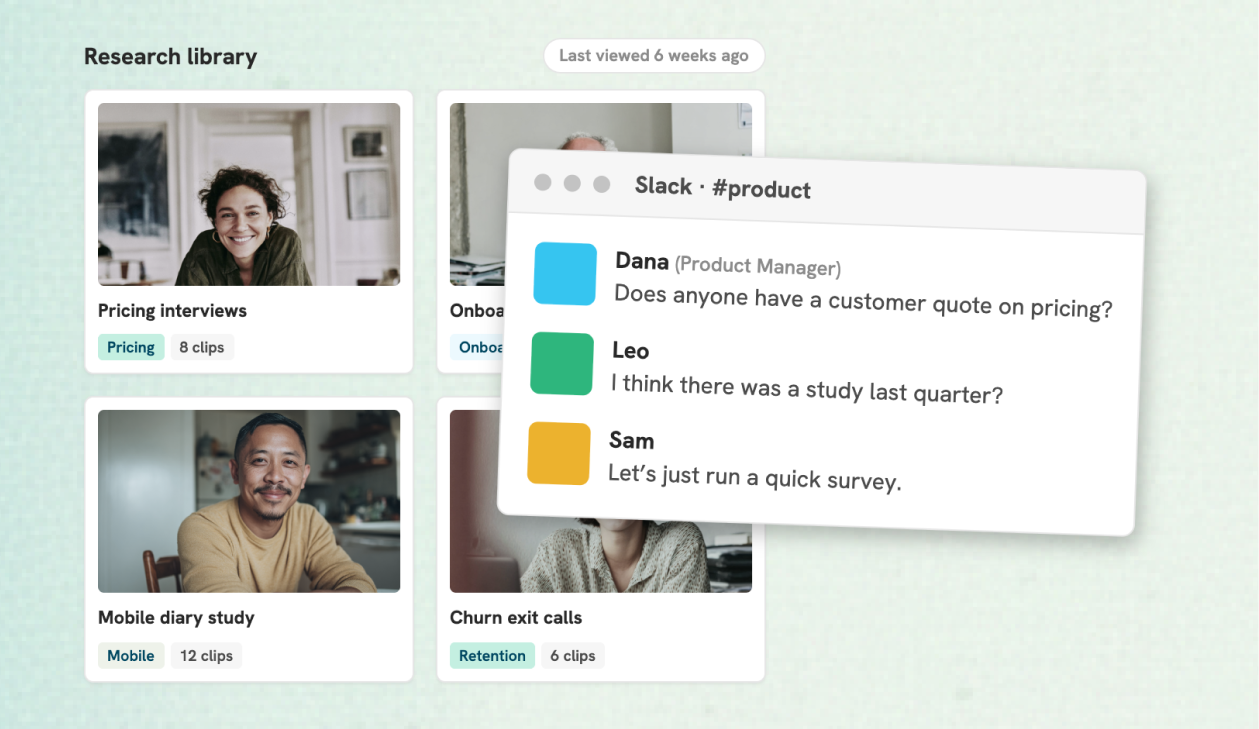
Repositories ask everyone to move in
A research repository stores everything, but your PMs and designers live in Claude, Slack, and their roadmap docs. Evidence that stays in a tool nobody opens doesn't change decisions.
One Recording, Two Views
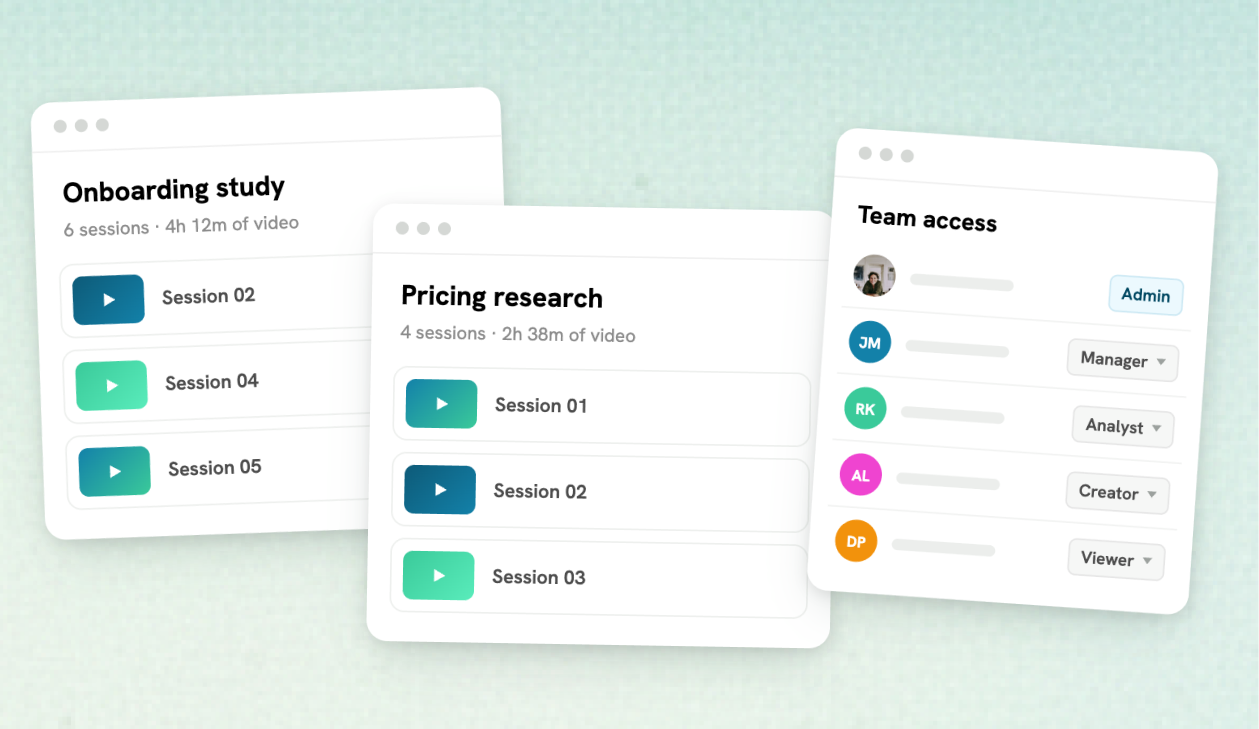
Researchers keep the full record
Every transcript, tag, and clip stays in your Clipses project. Search by meaning, clip with one click, and see every moment in context before anything gets shared.
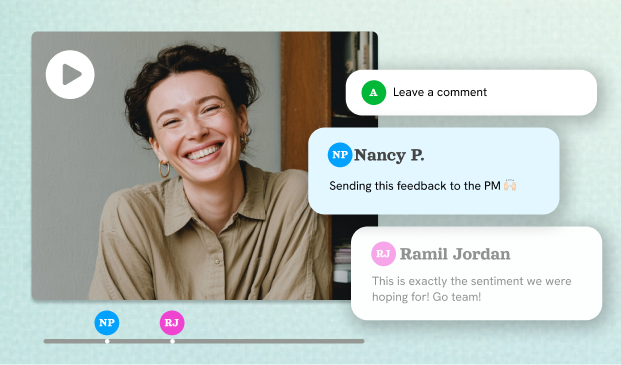
Partners get the curated cut
Share a highlight reel or playlist as a view-only link that plays in any browser, with no login. Working with sensitive interviews? Turn on password protection so only the right people can watch.
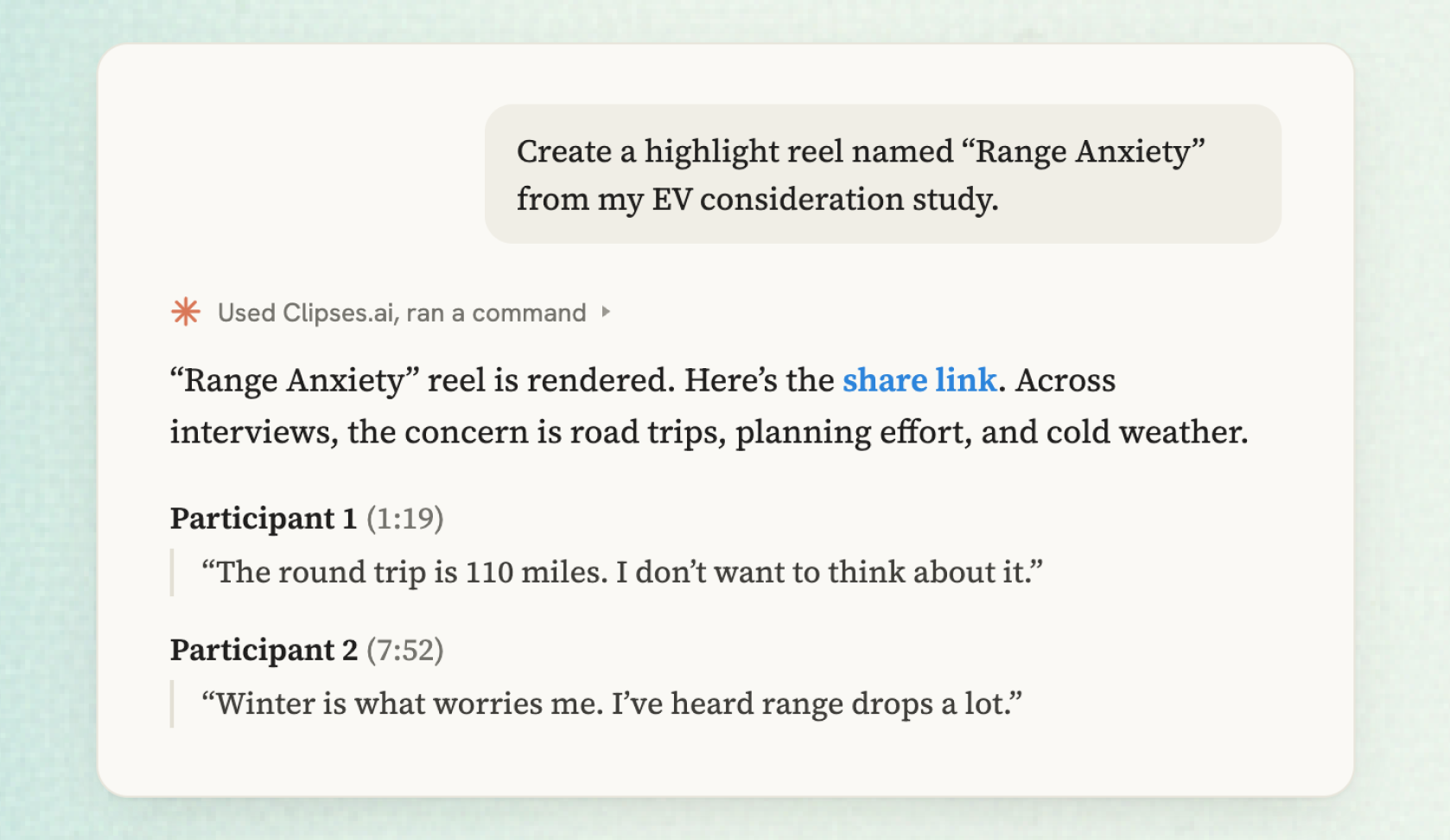
Claude pulls from the source, not a summary
Connect Clipses to Claude and your team can ask for every quote on a theme, then ask for a reel. Each answer cites the participant and timestamp, so anyone can watch the moment for themselves.
Set It Up Once for the Whole Team

Capture every interview automatically
Send the Clipses meeting bot to Zoom or Google Meet, record with the Chrome extension, or upload a file. Transcription starts the moment a recording lands.
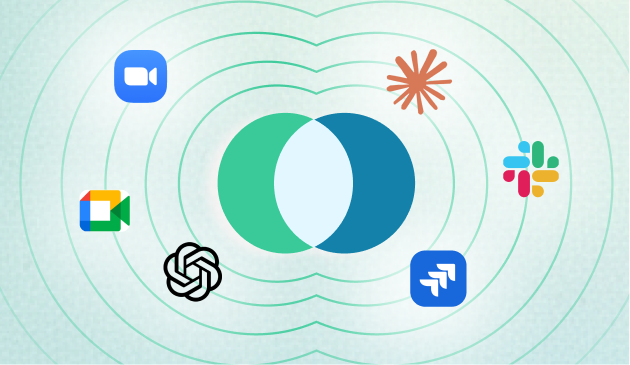
Connect Clipses to Claude
Add the Clipses MCP connector once. Claude can then search projects, read transcripts, build playlists, and render reels. It can read and add, but it can't delete anything.
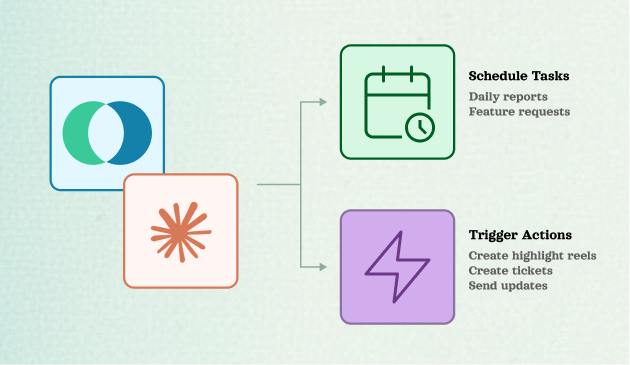
Put summary reels on a routine
Set a Claude routine to build a highlight reel after every call or when a project wraps, then post it to Slack or turn it into a feature request ticket, using the tools your team already has connected in Claude. Highlights reach stakeholders without anyone touching a video editor.
Questions Research Teams Ask
Keep the customer in every decision
Start for free, no credit card required. Try it on your next research interview.
Start for Free