CLAUDE AND CHATGPT CONNECTOR
Build highlight reels without leaving the chat.
Connect Clipses.ai to Claude or ChatGPT and ask in plain words for what participants said. Your assistant searches your interviews, saves the quotes as clips and hands back a highlight reel you can share.
What You Can Ask For
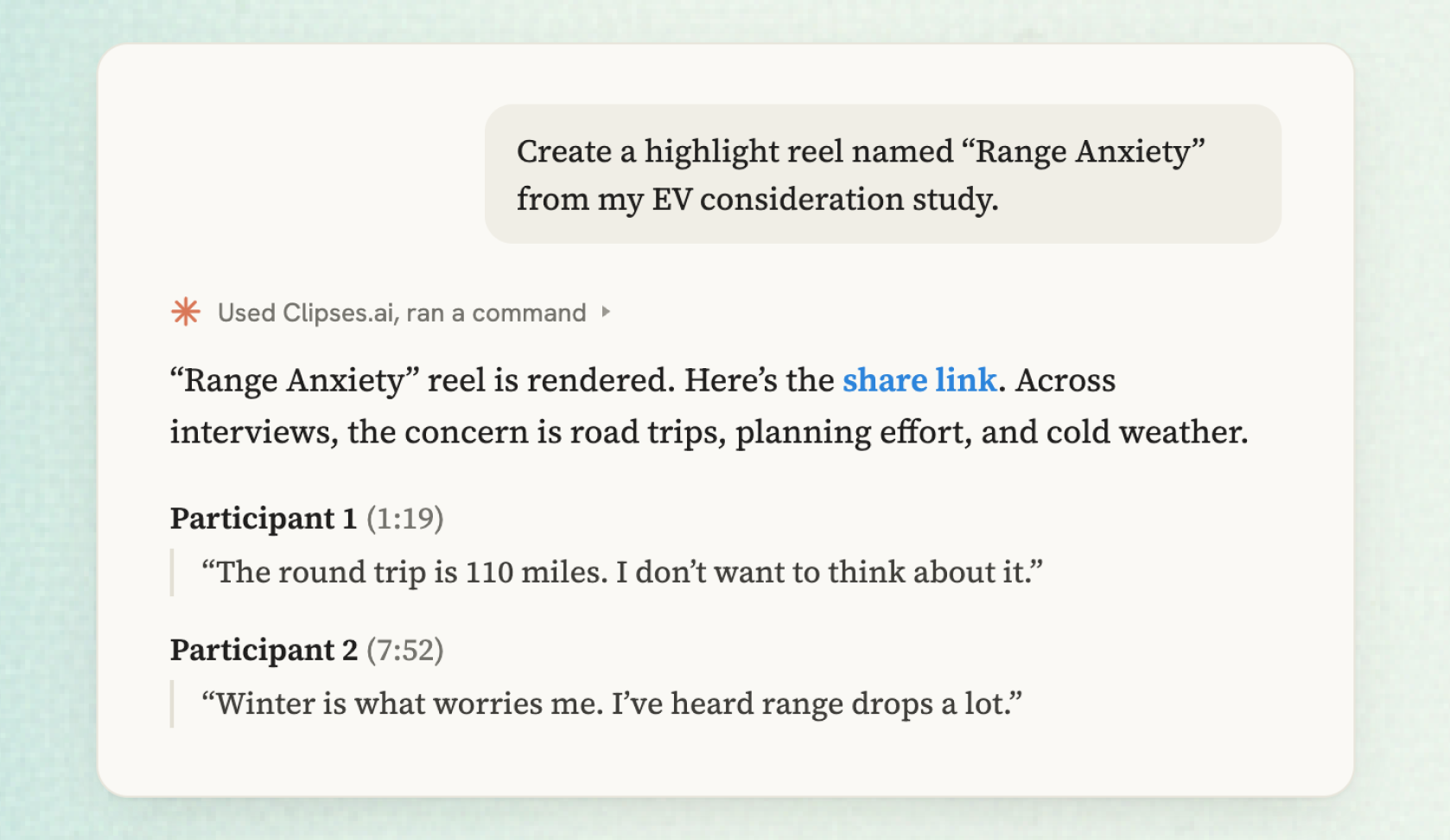
Find what participants said
Ask for quotes on a topic and your assistant runs the same search as the Chat tab in Clipses. You get real quotes tied to a recording and a moment, and you can narrow the search to one session or one speaker.
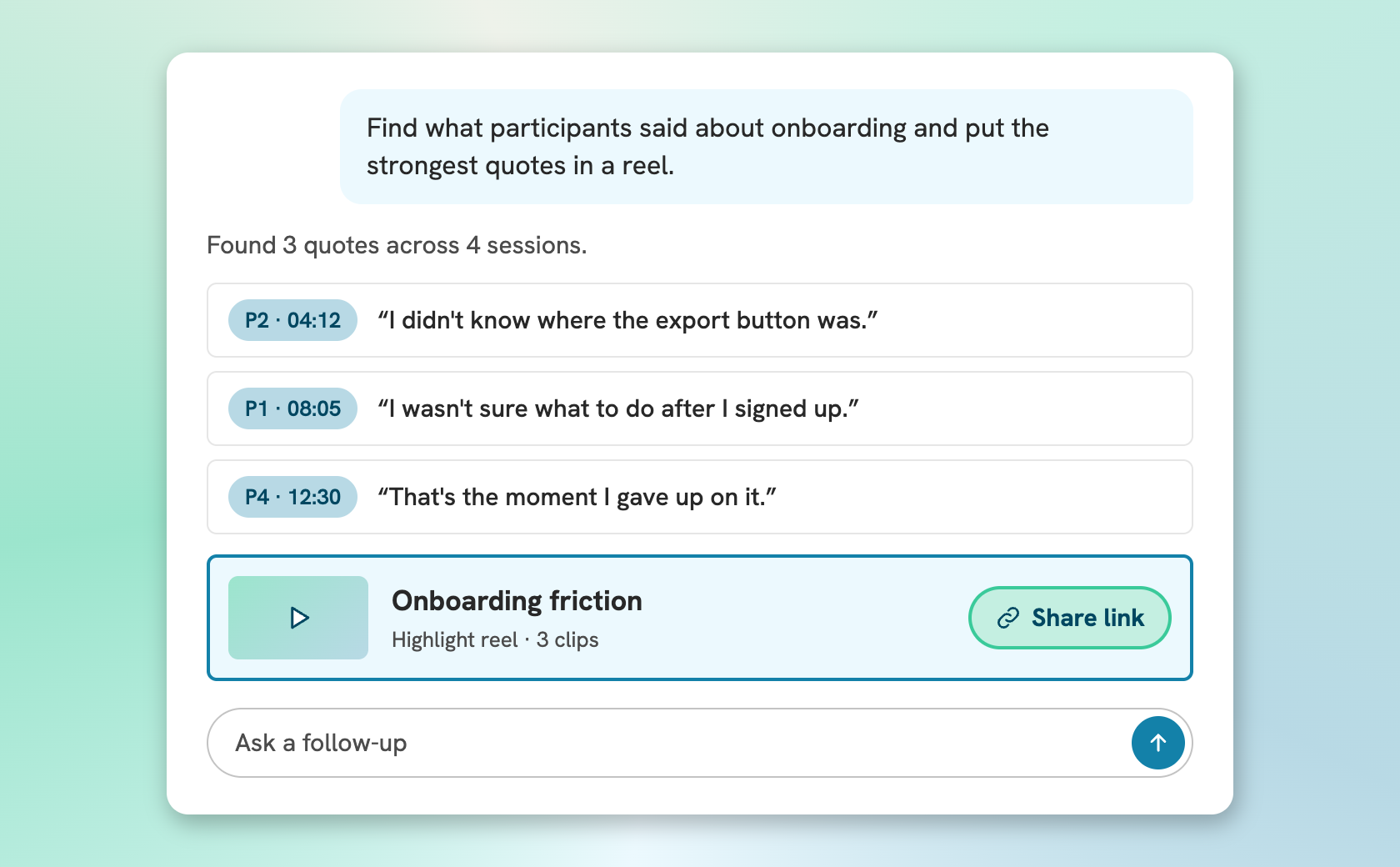
Turn the quotes into a reel
Your assistant saves the quotes to a playlist as clips, renders the reel, and sends back an editable and sharable link.
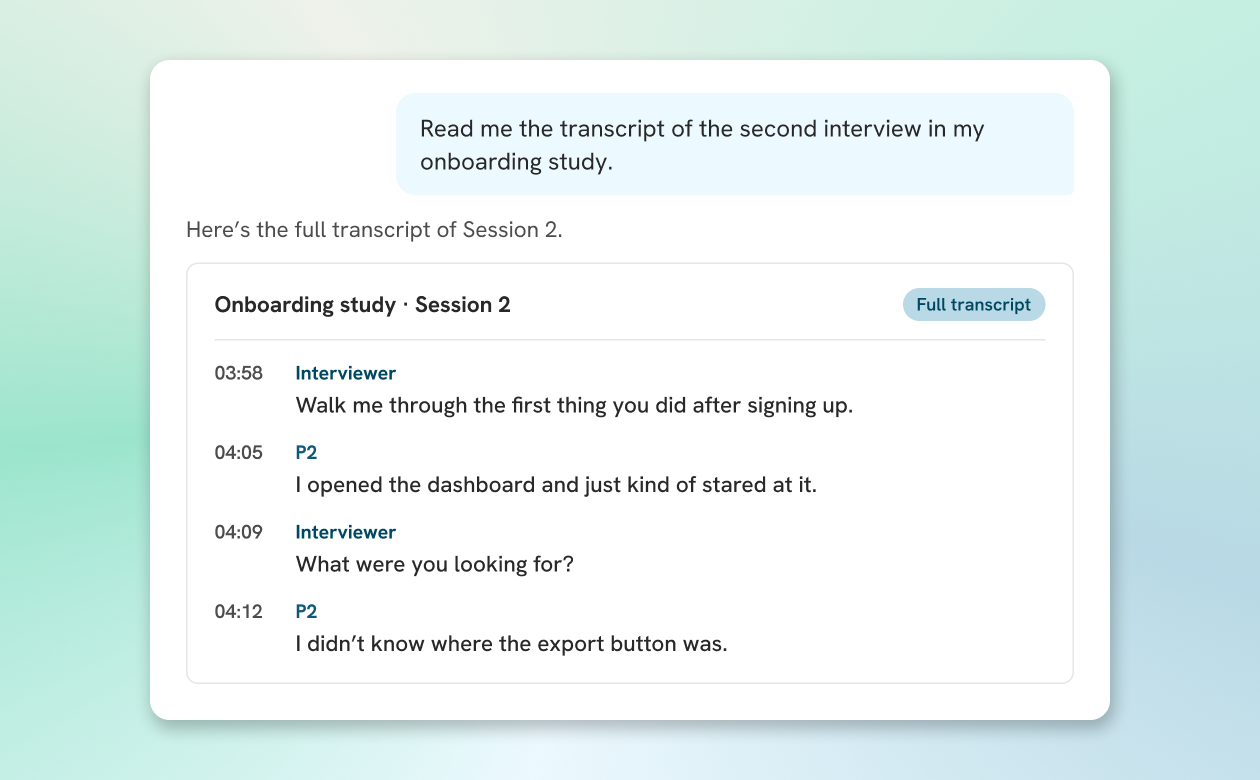
Read any transcript in full
Ask for the full transcript of any finished recording, with speaker names and timestamps, or a list of the projects and recordings in your account.
Set It Up Once Then Automate Routines
Connect Claude or ChatGPT
Add the connector URL, https://api.clipses.ai/mcp, in Claude or ChatGPT and sign in to Clipses. The setup guide also covers Cursor and VS Code.
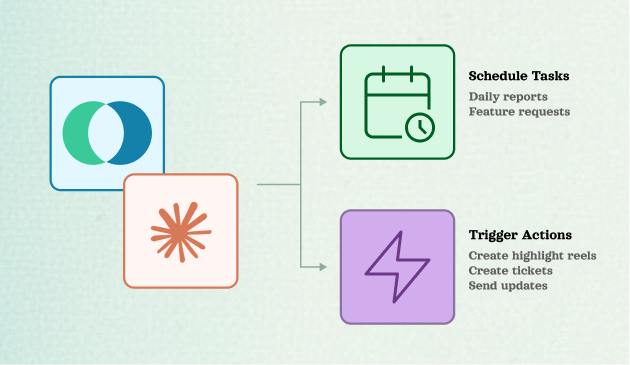
Put reels on a routine
Set a Claude routine to build a highlight reel after every call or when a project wraps, then post it to Slack or turn it into a ticket with the tools your team already has connected in Claude.
Questions About the Connector
Bring your interviews into the chat
Free on every Clipses plan. Create an account, then add the connector to Claude or ChatGPT.
Start for Free